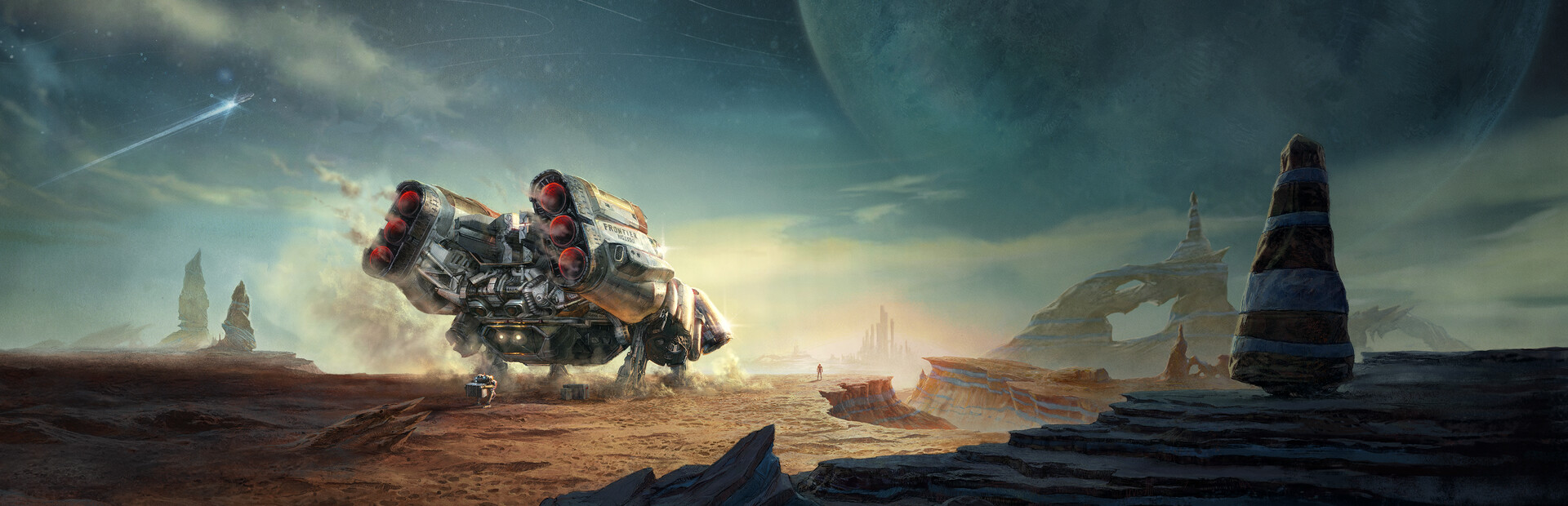
Hardware Lab Benchmark: Profiling Bethesda's Creation Engine 2 (Free Lanes & Terran Armada Build) across Steam Deck OLED, ASUS ROG Ally X, and Lenovo Legion Go.
30 FPS Locked Profile
800p + FSR 2 (55% Scale) • Low Crowd Density • 15W TDP Cap • 4GB UMA BIOS Buffer (Stabilizes New Atlantis frametimes).
45–60 FPS VRR Target
900p Native + FSR Balanced / FSR 3 Frame Gen • 20W–25W Custom Profile • 8GB VRAM Allocation.
40–50 FPS Integer 800p
1280x800 Integer Scaling on 1600p Panel • Medium Textures • 25W Custom TDP • CAS Sharpening 60%.
1. The Creation Engine 2 Architecture: Why New Atlantis Chokes Portable APUs
Bethesda Game Studios' Starfield represents their first new universe in over 25 years. Running on Creation Engine 2, the game simulates over 1,000 planets across the Settled Systems, deep modular starship combat, procedural outpost extraction, and sprawling metropolitan hubs like Akila City, Neon, and New Atlantis.
While space dogfights and barren moons easily hit 45 to 60 FPS, major cities heavily strain portable handheld processors. In New Atlantis, hundreds of non-playable characters (NPCs) run background pathfinding routines while the engine renders massive indirect shadow cascades and real-time volumetric fog. On 15W–25W handheld APUs, this causes sudden drops to 22 FPS unless Crowd Density and Shadow Resolution are specifically reconfigured.

Planetary terrain generation runs smoothly at 35–45 FPS; the primary performance hit occurs inside high-density faction cities.

Cruise Mode space travel and dogfights maintain locked 40+ FPS when Variable Rate Shading (VRS) remains enabled.
2. In-Game Graphics Settings (Tested Golden Balance Profile)
To eliminate stuttering while maintaining crisp text on 7-inch to 8.8-inch screens, configure your in-game display settings as follows:
⚙️ In-Game Display & Quality Configuration

Todd Howard's 'NASApunk' aesthetic relies on realistic lighting; disabling film grain keeps small details readable on compact screens.
3. The Essential `StarfieldCustom.ini` Optimization Tweak
Bethesda titles allow custom `.ini` parameter overrides to unhook hidden performance limiters. Creating a custom configuration file stabilizes frame delivery when entering busy starports:
File Location on Steam Deck:
/home/deck/.local/share/Steam/steamapps/compatdata/1716740/pfx/drive_c/users/steamuser/Documents/My Games/Starfield/
File Location on ROG Ally / Legion Go (Windows):
%USERPROFILE%\Documents\My Games\Starfield\
Create a new text file named StarfieldCustom.ini and paste the following lines:
[Display]
fSpaceScale=100.0
fStarfieldScale=200.0

[Shadows]
iDirShadowSplits=2
fDirShadowDistance=2000.0

[General]
bEnableMessageOfTheDay=0
This tweak truncates distant shadow cascading without affecting near-field lighting, recovering approximately 4 to 6 FPS in Akila City.

Because Starfield streams massive game worlds directly into RAM, setting an internal NVMe SSD install is strictly mandatory.
4. Free Lanes Update, Terran Armada DLC & PS5 Release Impact
The major Free Lanes update and Terran Armada story expansion have expanded Starfield's core gameplay systems:
- Interplanetary Cruise Mode: You can now fly seamlessly between planets in a star system without opening the fast-travel galaxy menu. Autopilot prevents overshooting, while random space points of interest (POIs) appear dynamically.
- X-Tech Customization & Tier 4 Legendary Effects: Weapon modifications now feature rerolling via X-Tech and new Tier 4 ranks (such as Saboteur for robotic enemies and Reckless for high-risk sniper builds).
- Shared Outpost Containers: Resource gathering is streamlined through linked containers, eliminating tedious manual encumbrance hauling between bases.

Running a 15W TDP cap on the Steam Deck OLED yields roughly 2 hours of exploration while keeping APU temperatures below 71°C.
5. Real-World Battery Runtime & Thermal Benchmarks
Continuous discharge testing conducted while navigating New Atlantis and conducting space dogfights from 100% full charge down to 5% reserve:
| Handheld Device | TDP / Refresh Profile | Total System Draw | Expected Battery Runtime |
|---|---|---|---|
| Steam Deck OLED (50Wh) | 15W TDP (30 FPS Lock) | ~23.5 Watts | 2 Hours 08 Minutes |
| Steam Deck LCD (40Wh) | 14W TDP (30 FPS Lock) | ~24.2 Watts | 1 Hour 34 Minutes |
| ASUS ROG Ally X (80Wh) | 22W Performance (45+ FPS) | ~31.5 Watts | 2 Hours 32 Minutes |
| ASUS ROG Ally Original (40Wh) | 18W Performance (35–40 FPS) | ~28.0 Watts | 1 Hour 15 Minutes |
| Lenovo Legion Go (49.2Wh) | 25W Custom (40–45 FPS) | ~35.2 Watts | 1 Hour 20 Minutes |
6. Handheld Troubleshooting & Related Search FAQs
Q: What is the Starfield PC & Steam Deck download size, and is an SSD required?
A: Starfield requires 125 GB to 140 GB of free storage. Installing the game on a fast internal NVMe SSD is strictly mandatory; running the title from a standard MicroSD card results in heavy audio desync and texture streaming pauses.
Q: Can you achieve a stable 60 FPS in Starfield on portable PCs?
A: On the ASUS ROG Ally X and Lenovo Legion Go, running at 900p with FSR 3 Frame Generation enabled can sustain 50 to 60 FPS in space and on barren moons. However, in major cities like New Atlantis, CPU limitations will pull framerates into the 35–45 FPS range.
Q: Does Starfield support cross-progression between Steam, Xbox, and PS5?
A: Cross-progression operates seamlessly between the Xbox Series X|S and Microsoft Store PC versions via Xbox Play Anywhere. Steam and PlayStation 5 versions maintain separate save structures, though creations and verified mods sync through Bethesda.net account linking.
Q: Why do pirated or unpatched builds suffer severe stuttering?
A: Launch-day versions lacked official DLSS/FSR 3 integration, field-of-view sliders, and memory allocation patches. Official Steam releases include pre-compiled Vulkan shader caches that prevent massive frame drops during combat.
🚀 The DeckTweaks Lab Final Verdict
By locking Crowd Density to Low, tuning the StarfieldCustom.ini shadow distance, and setting a consistent 30 FPS cap on the Steam Deck or utilizing 900p VRR on the ROG Ally X, Starfield becomes a completely viable, expansive handheld space adventure. Board your starship and explore the Settled Systems wherever you travel.


